

Connect
Plug in your OBD-II adapter. Fred starts listening.
YOUR CAR. YOUR ASSISTANT.
Real-time AI diagnostics through OBD-II. Ask Fred what's wrong, what the codes are, and how to fix it.
 Bluetooth
 Wi‑Fi
Wi‑Fi
 USB
USB
 OBD‑II
vLinker compatible
OBD‑II
vLinker compatible
Free beta · sideload Android APK or Windows Pro EXE
Read & Live
Live Freeze
 Readiness
 Mode 6
 Data
Data Guided
 Actuators &
 Voice
VoiceConnect, ask, fix — Fred reads live data and guides you step by step.
Plug in your OBD-II adapter. Fred starts listening.

Ask Fred about codes, symptoms, or live data.
Follow a guided plan and verify the repair.
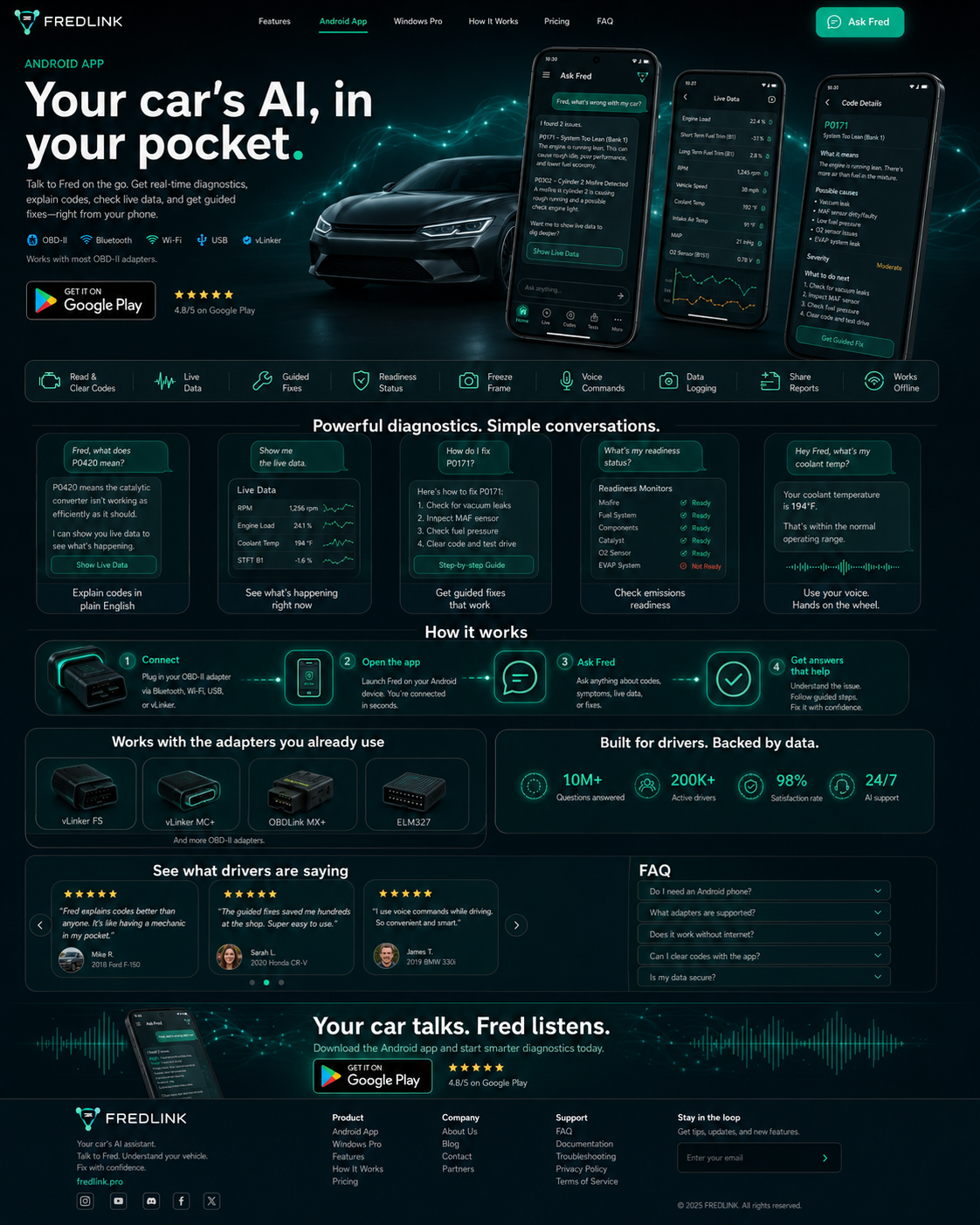
Android App
Quick diagnostics. On the go.
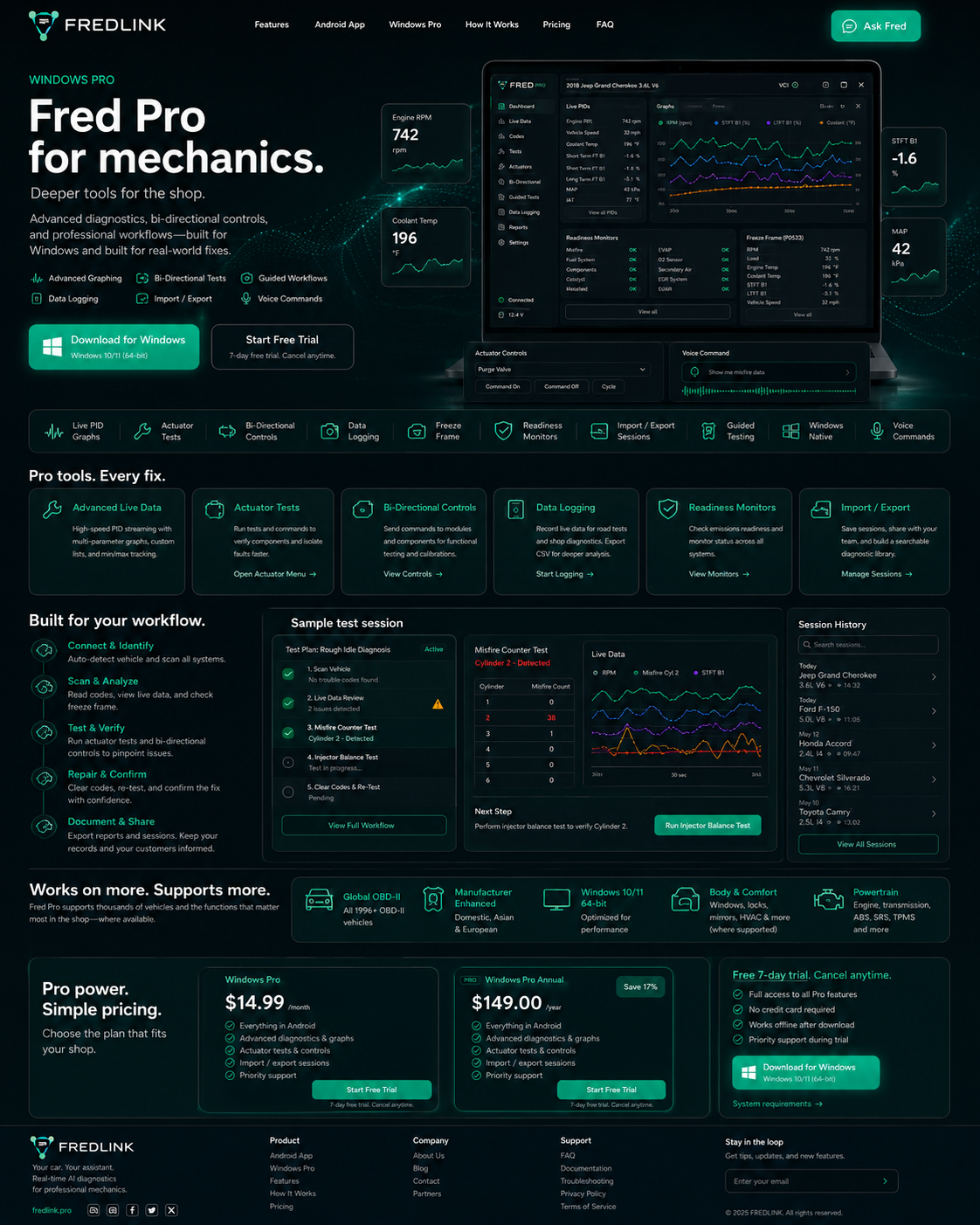
Windows Pro
Deeper tools. Haiku polish.
Questions, observations, tests, and confirmation — the way real diagnostics work.
Fred, what are these codes?
Fred, why is it misfiring?
Fred, open live data.
Fred, check readiness.
Site chat is a demo. Live OBD needs the app + adapter. Actuators need an explicit confirm in chat.
Powerful diagnostics now. Simple pricing when billing launches.
Android
$4.99 planned
Windows Pro
$14.99 planned
Android App
Planned: $4.99/mo
Windows Pro
Planned: $14.99/mo
Beta builds stay free. Join the list for launch pricing when billing goes live. No fake reviews — just product truth: free beta, sideload installs.
You're on the beta list when you submit — we'll email launch pricing. Prefer a human reply? Email hello@fredlink.pro with subject WAITLIST.