Downloads

Get FRED.

Pick your platform, connect your OBD-II adapter, and start talking to your car. Beta builds are free — no account required.

BluetoothWi‑FiUSBvLinker compatible

Apps check /version.json on launch for update prompts.

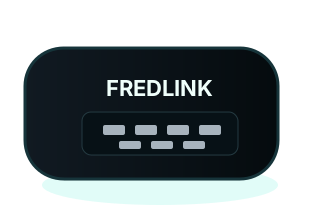
FREDLINK Android and Windows Pro diagnostics interface

Choose your build

Version 1.0.0-beta — initial FRED release for drivers and shops.

Android App

FRED for Android

1.0.0-beta

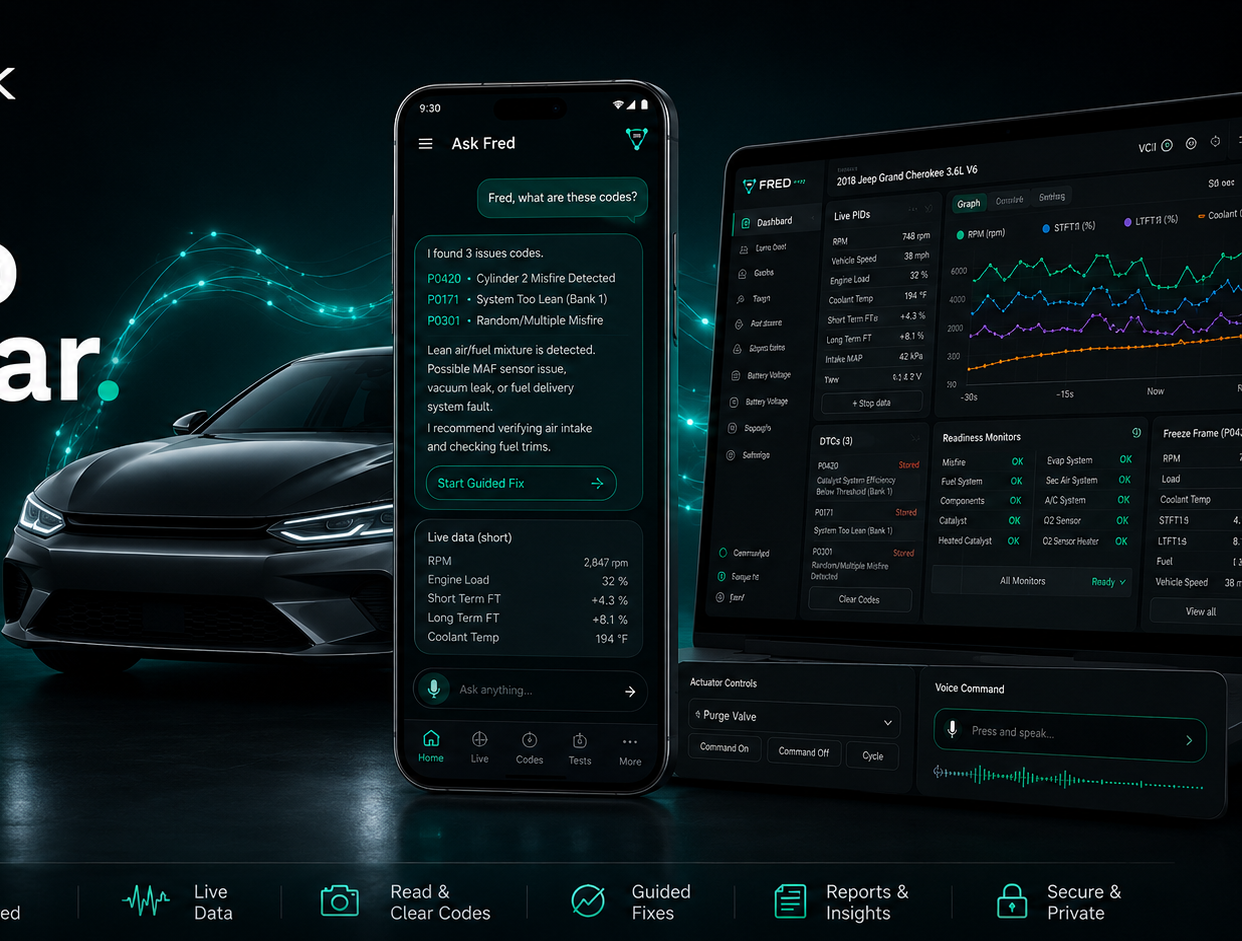
Talk to Fred on the go — on-device rules, codes, live PIDs, readiness, morphing gauges, and voice. Not on Google Play — sideload the APK.

  • Android 10+ · sideload APK
  • Wi‑Fi, Bluetooth, or USB ELM327
  • On-device OBD — no cloud AI in APK
  • Rules-only Fred persona + voice
Download APK

FRED 1.0.0-beta · free during beta · not Google Play yet.

Update manifest: Mobile and desktop clients fetch /version.json for version checks and release notes.

First-time setup

Three steps from download to diagnostics.

1

Install

Sideload the Android APK or run the Windows installer. Grant Bluetooth, location, or USB permissions when prompted.

OBD-II adapter
2

Connect

Plug in your OBD-II adapter. Tell Fred your vehicle — chat guides pairing over Wi‑Fi, Bluetooth, or USB.

3

Ask Fred

Read codes, open live data, check readiness, or use voice. Fred explains results in plain English.

Release notes

What’s in the 1.0.0-beta builds.

FRED Android 1.0.0-beta

Initial FRED Android beta — on-device rules, Fred speaks in first person, voice + morphing gauges. Sideload only.

FRED Pro Windows 1.0.0-beta

Full OBD + Anthropic Haiku polish. Actuator and body controls ship with vLinker — not in beta yet.