

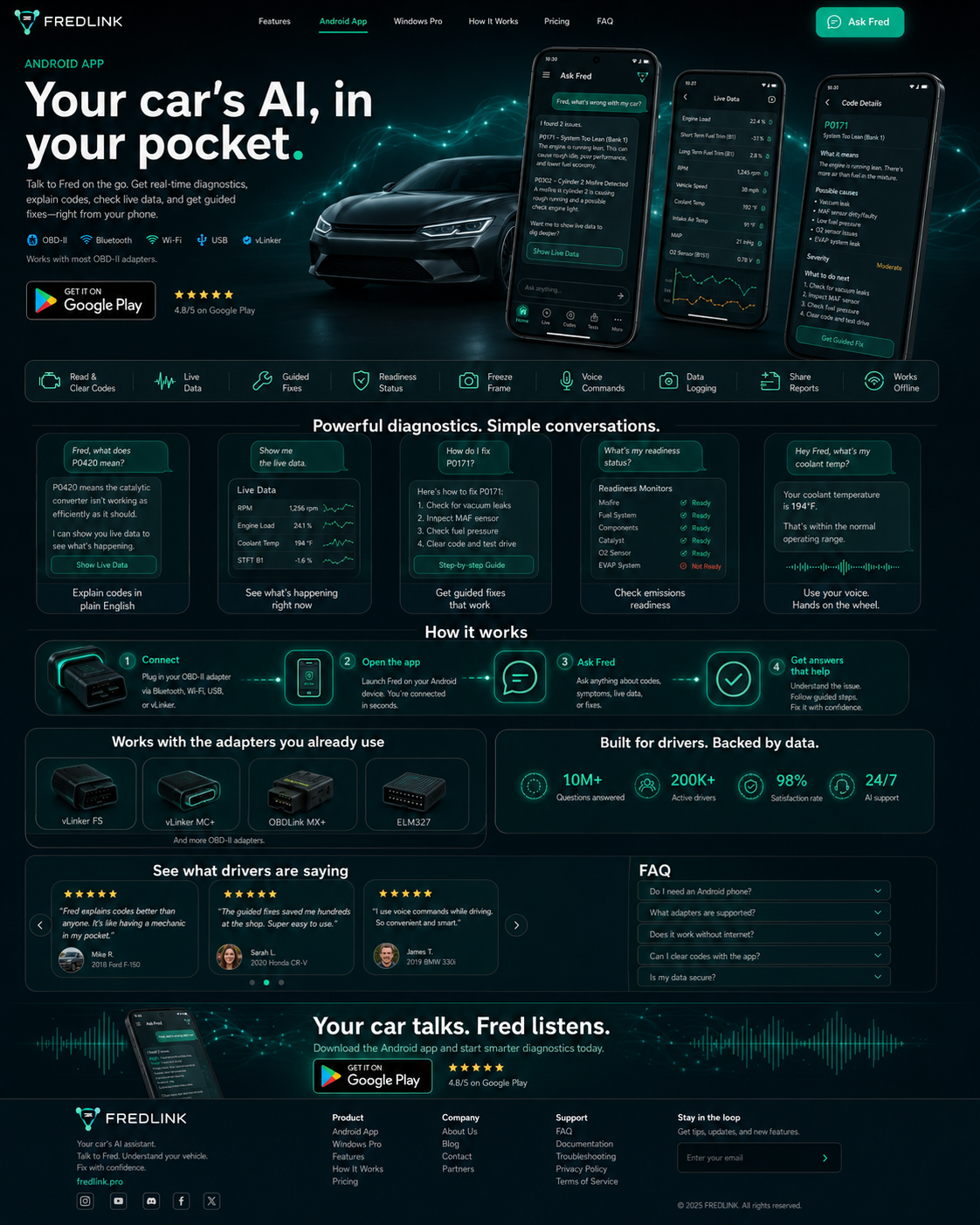
Explain codes in plain English
Ask what a code means and Fred — speaking as your car — translates it into likely causes, severity, and what to test next. Rules run on-device; no Anthropic calls from the APK.
Android App
Talk to Fred on the go — your car speaks in first person. On-device rules engine (no cloud AI). Connect ELM327 adapters over Wi‑Fi, Bluetooth, or USB.
OBD‑II Bluetooth
 Wi‑Fi
Wi‑Fi USBvLinker
Sideload install — not on Google Play yet. Works with most ELM327 Wi‑Fi, Bluetooth, and USB adapters.
 Read &
 Live
Live Freeze
 Readiness
 Mode 6
 Morphing
 GuidedActuator
 Body
Body Voice
VoiceAsk what a code means and Fred — speaking as your car — translates it into likely causes, severity, and what to test next. Rules run on-device; no Anthropic calls from the APK.
Open live data with morphing gauges — RPM, coolant, trims, MAP, MAF, oxygen sensors, and adapter-supported PIDs.
Fred turns symptoms, codes, and live stats into a repair path you can verify step by step.
See readiness monitor status before inspection and understand what still needs a drive cycle.
Use voice to ask for coolant temp, active codes, live data, or supported commands while staying focused.

Clear context, action labels, and safety notes for commands that affect vehicle functions.
Download · FRED 1.0.0-beta
Sideload the Android beta APK — free during beta, no Google Play listing yet.
Download FRED-1.0.0-beta.apkEnable “Install unknown apps” for your browser or file manager, then open the APK.